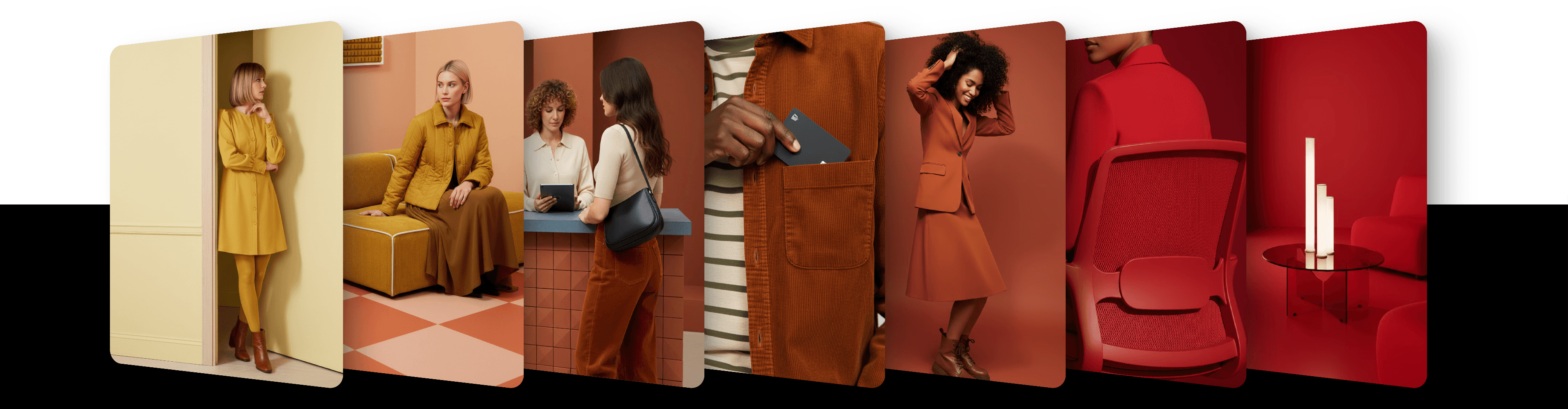
Refine your results without changing the prompt using prompt enhancer

Prompt enhancer gives you fine control over the look and feel of your image without editing your prompt. You can adjust complexity, lighting, mood, and more.
Prompt enhancer lets you tweak the style and atmosphere of your image without touching the actual text prompt. It works by adding invisible modifiers behind the scenes, based on the slider values you set.
You can use it with both written prompts and reference images. It's a great way to explore variations without rewriting your idea.
Sliders explained:
Complexity: controls how simple or detailed the result is (Simple → Detailed)
Distance: controls camera framing (Close → Wide)
Lighting: changes the lighting in the image (Dark → Sunlight)
Mood: sets the emotional tone (Moody → Playful)
Motion: controls movement in the scene (Static → Action)
Each slider gives a soft push to the generation process. It won't break your prompt, just guide it in a certain direction. A slider left in the middle adds nothing.

How to use it
In the
Generatingtab, choose an image modelClick the feather icon in the row of controls at the bottom of the prompt bar (its tooltip says Prompt enhancer)
Adjust the sliders. Reset all puts every slider back in the middle
Click the round arrow button to generate
Once you move a slider, the button shows its name instead of the icon, for example "Lighting" or "Lighting + 2 more".
On a phone or in a narrow browser window, tap the settings button (the sliders icon) in the prompt bar instead. The sliders are in its Prompt enhancer section.
How it works
Prompt enhancer modifies your prompt invisibly, adding stylistic guidance based on the sliders.
It does not replace your prompt or extract anything from it; it simply influences how it's interpreted.
You can combine Prompt enhancer with any prompt or reference image.
On Artist Styles and Private Styles, the slider effects are adapted to fit the model's style.
It's ideal for testing variations quickly and exploring the creative range of a model.
Model compatibility
Prompt enhancer works with image models in the Generating tab. It is not offered for video models or in the Editing tab.
Updated
23 October 2026