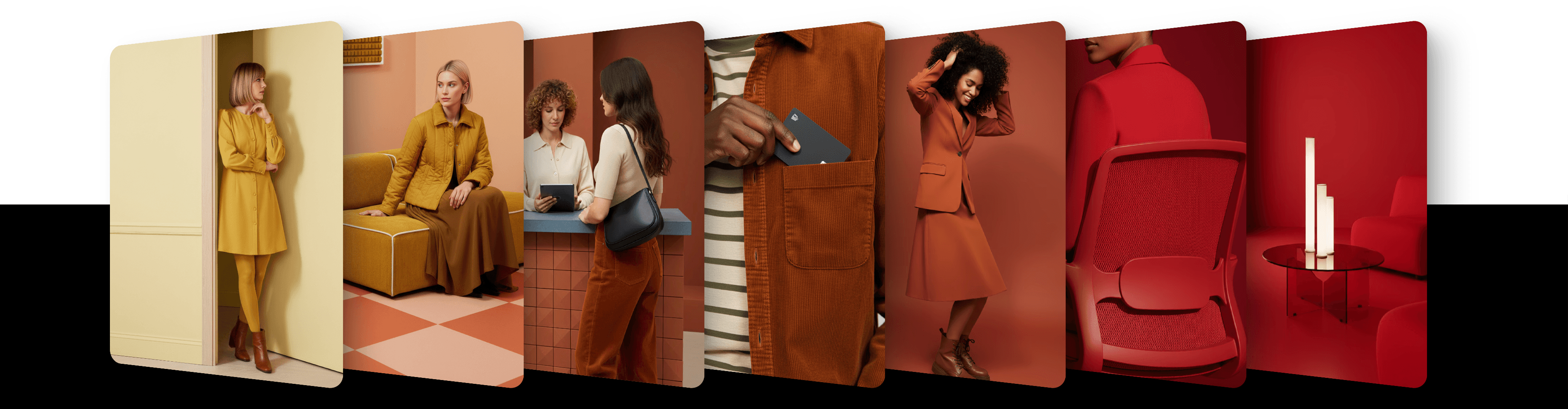
Use image to prompt to extract style and guide ai image generation

Extract style, pose, color, and more from any reference image and use it as a prompt for generation. It works on its own or combined with your text.
The Image to Prompt feature lets you extract visual attributes from a reference image using different methods – Creative or Precise. You can extract everything at once ("Everything") or choose specific aspects:
Appearance
Outfit
Pose
Color Grading
Composition
Environment
The "Everything" option is equivalent to selecting all types of extracts.
How to use it
Add an image with the + tile at the start of the image row, or drag it onto the page or paste it
Click the image's thumbnail and set Role to Prompt. On Artist Styles, Private Styles and Base Models without Instruct, new images already arrive with this role; on models that support Instruct, they arrive as Reference, and on video models that support Animate, as Reference with Animate
In Extract, keep Everything (the default) or choose one or more specific aspects
Select a Method: Creative (the default) or Precise
Click the round arrow button to generate
The thumbnail shows what is extracted, for example "Everything" or "Pose + 1".
How it works
You can choose between two extract methods:
Creative – turns the image into a more poetic prompt. It captures mood and atmosphere with broad metaphors, focusing less on specific objects.
Precise – creates a literal prompt that lists the main elements in the image with minimal interpretation.

If you leave the text prompt empty, the image will be generated based on the extract alone.
If you add a prompt, the extract will be mixed into it.
If your prompt and the extract disagree about what is in the image, your prompt takes priority.
On Artist Styles and Private Styles, the model's own style always wins. Style words in your prompt, such as artist names or art movements, are dropped on every generation with them, with or without Image to Prompt, and style details from an extract that clash with the style are left out too.
You can add several images with the Prompt role; their extracts are combined. Image to Prompt can also be combined with every Reference method except Animate.
Model compatibility
Image to Prompt works with all image Base Models, Artist Styles and Private Styles. Exactly 1.0 Agentic takes only its own Style references, so Image to Prompt isn't available there. Among video models, the Seedance models support it, but not in the same request as an Animate image. If the selected model doesn't support Image to Prompt, the image's settings have no Prompt role.
The Editing tab has no Prompt role: there, an image is either the Editing image or a Reference.
Updated
23 October 2026