How to use AI image models
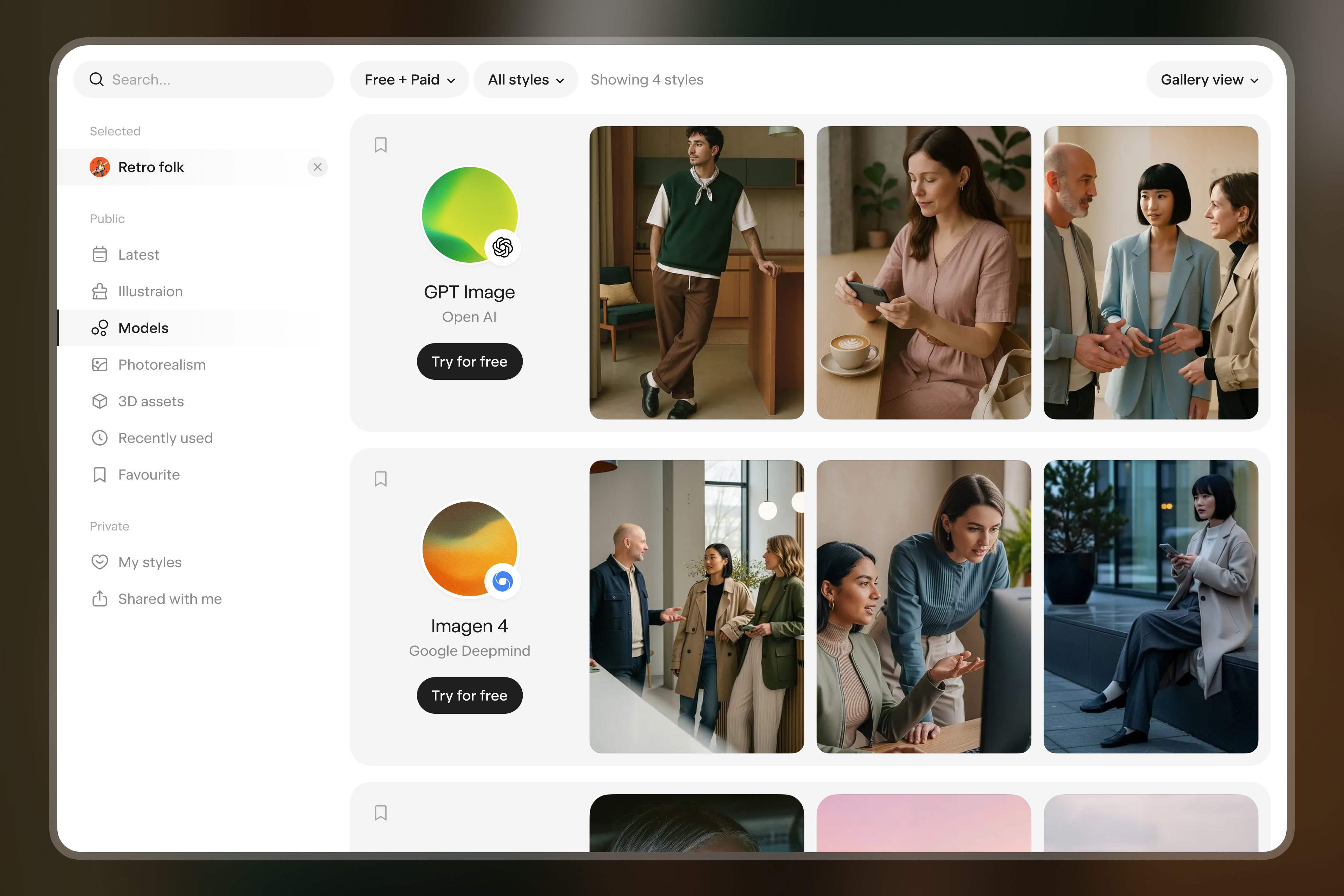
All Image Models on exactly.ai work the same way: pick a model in the prompt bar, write a prompt, optionally add references and configure settings, then generate. This article covers the shared features, generation settings, and licensing rules. For the list of model types, see Library overview.
exactly.ai gives you five kinds of image models — Base Models, Artist Styles, Private Styles, Exactly 1.0 Agentic, and exactly 1.0 edit. They differ in style, what they're best at, and price (see Library overview for the full breakdown). Underneath, they share the same prompt-bar interface.
Features available when you generate
All Image Models work from a text prompt. On top of that, you can use:
Reference image — guide the result by providing a visual reference
Image-to-Prompt — extract visual attributes from an image and reuse them as a prompt
Instruct — change details in an existing image using one or more additional reference images
Character Pin and Product Pin — keep a specific character or product consistent across generations
Edit — switch to the
Editingtab in the prompt bar to change an existing image with text and optional rectangular masks (see the Editing article)
The exact set of supported features for a given model is shown in the prompt bar when you select it.
Generation settings
For each generation you configure:
Number of images in the batch — from 1 to 12 in a single request
Resolution — depends on the model
Aspect ratio — depends on the model. Where a model offers Auto, it appears only while your request includes a reference image the model receives
Quality — on models that offer a choice. Most Artist Styles and Private Styles have Low and High, where High adds a refinement pass and costs more. Some Base Models have their own quality options, each at its own price
Total credit cost = generation cost per image × number of images in the batch.
Pricing
Each model has its own price per image. It depends on the resolution and, on models with a quality choice, on the quality. Prices change from time to time, so check them in the app: on desktop, the prompt bar shows the cost of the request before you generate.
The balance in the top-right corner opens Your credits cover, with the current cost of a few popular models, style training and the image tools.
Commercial use
Base Models, Artist Styles, Private Styles, Exactly 1.0 Agentic and exactly 1.0 edit — generated images carry a watermark and stay inside the platform until they are licensed. Downloading, vectorizing, upscaling or removing the background licenses the image automatically at that moment, with no separate purchase step. That covers downloads up to 8K including SVG, all four operations from then on, and commercial rights short of reselling the image as a standalone file. For Base Models, each provider's terms also apply.
An edit made with exactly 1.0 edit is a new image. It carries a watermark until you license it, even when the source image is licensed or license-free.
Some older Private Styles, and some models our team sets up for an organization, are license-free: their images never carry a watermark and need no license. Images generated before 4 September 2026 keep the status they had at that point.
If you have no licenses left, a window shows what is left and the renewal date if there is one, with Contact us. See the FAQ for the full breakdown of credits and licenses.
Exactly 1.0 Agentic
If your account has access to it, Exactly 1.0 Agentic is in the prompt bar's model menu, under exactly.ai. Instead of one model output, it builds an image by extracting style components (composition, lighting, colour palette, colour grading) from the reference images you upload. It offers 2K and 4K, with no 1K option.
Best for scaling an existing visual direction from a few references, blending elements from multiple inspirations, or adjusting individual style components without training a full Private Style. See the Exactly 1.0 Agentic article for the full guide.
exactly 1.0 edit
exactly 1.0 edit is a dedicated mode for changing an existing image. Switch to the Editing tab in the prompt bar, drop in any image — uploaded, generated on the platform, or remixed from your project — and describe the change in plain text. You can optionally draw up to three rectangular masks to apply specific instructions to specific regions of the image.
The cost scales with the chosen resolution, and on desktop the prompt bar shows it before you generate. The result is a new image that carries a watermark until it is licensed. See the Editing article for the full guide.
FAQs
Can I use all models?
Yes, as long as your balance covers the generation. Credits and licenses come with a plan; see pricing for the plans.
Can I combine features?
Yes — prompts, references, pins, editing tools, and image-to-prompt can be combined where the model supports them. The prompt bar shows what's available for the selected model.
Can I use images commercially?
Yes, once the image is licensed, which happens as soon as you download, vectorize, upscale it or remove its background. The rule is the same for every model, Exactly 1.0 Agentic and exactly 1.0 edit included. An image without a watermark needs no license. Base Models are also subject to each provider's terms.
Updated
23 October 2026