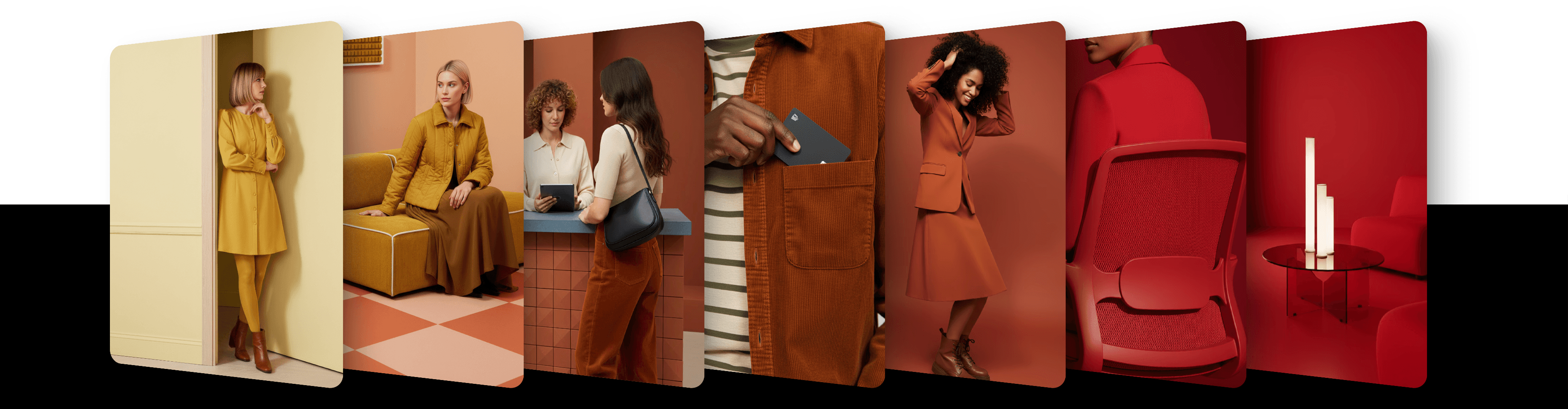
Place a character into any scene with Character pin

Use Character Pin to place any character into a new scene. The result keeps the character's style, color, and shape.
Character Pin lets you place a character into any scene — while preserving their appearance, color, and artistic style.
It works with any kind of reference image: a photo, drawing, 3D render, or stylized illustration. The generated image will inherit the style of your character automatically.
This is perfect for placing characters into different settings without redrawing or reposing them manually.

How to use it
Click Reference image in the prompt panel
Set Mode = Reference
Choose Method = Character pin
Describe the scene in your prompt
Choose a model that supports Character Pin (see list below)
Click Create Image
How it works
The system uses your reference image as the character and places it into the generated scene. It preserves the character's look, color palette, and drawing style. The result inherits the artistic style of your reference image. Your prompt defines the setting and environment around the character.
Model compatibility
Character Pin is available with these models:
Nano Banana
Nano Banana 2
Nano Banana Pro
GPT Image
GPT Image 1.5
Flux.1 Kontext
Updated
13 May 2026